
Add clipart and shapes
Ready-made icons and shapes, in any colour.
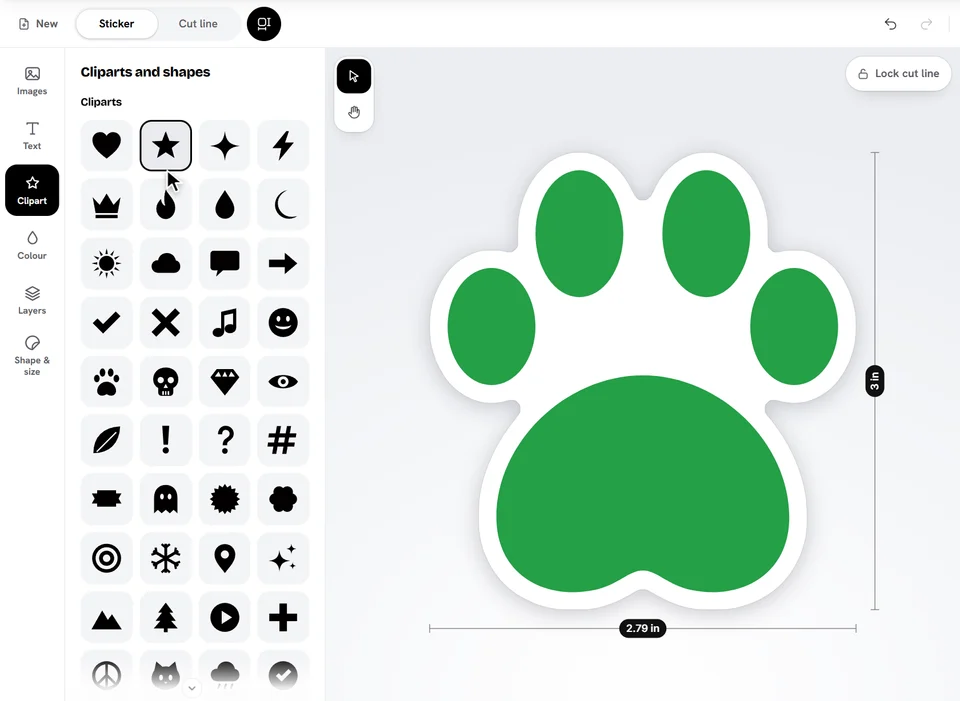
- Open Clipart.
- Tap a clipart or a shape to add it.
- Pick its colour at the top of the panel.
Clipart colours
One-colour cliparts take any colour you pick. Full-colour cliparts keep their own colours, and Its own colours brings them back after a change.
Shapes
Shapes (circle, star, burst, badge, speech bubble, cloud and more) have a Fill colour, an Outline and, depending on the shape, Round corners or Points. Put one behind your text to make a label or a badge.
Ready to try it?
Open the designer