
Make the white border wider or tighter
Drag the cut line, or use the Border slider.
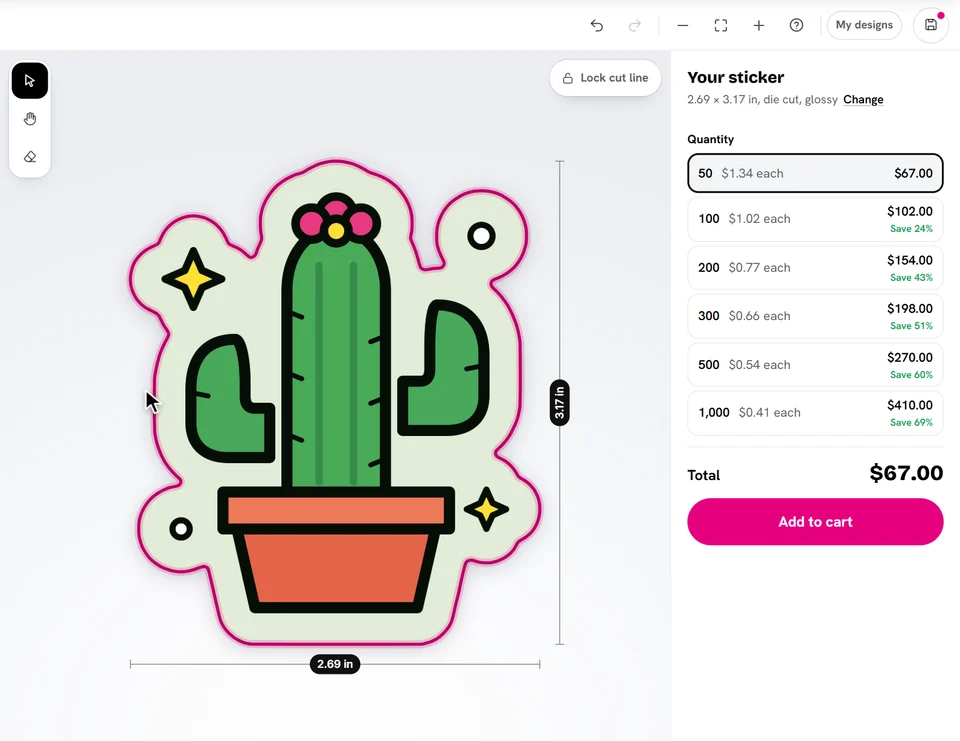
On a die cut sticker, grab the cut line on your sticker and drag it: out for a wider border, in for a tighter one. The new line and size show while you drag; let go and the sticker and its prices follow.
Or open Shape & size and use the Border slider under White border.
Ready to try it?
Open the designer