
Fine-tune the cut line point by point
Drag, add or delete the cut line's points.
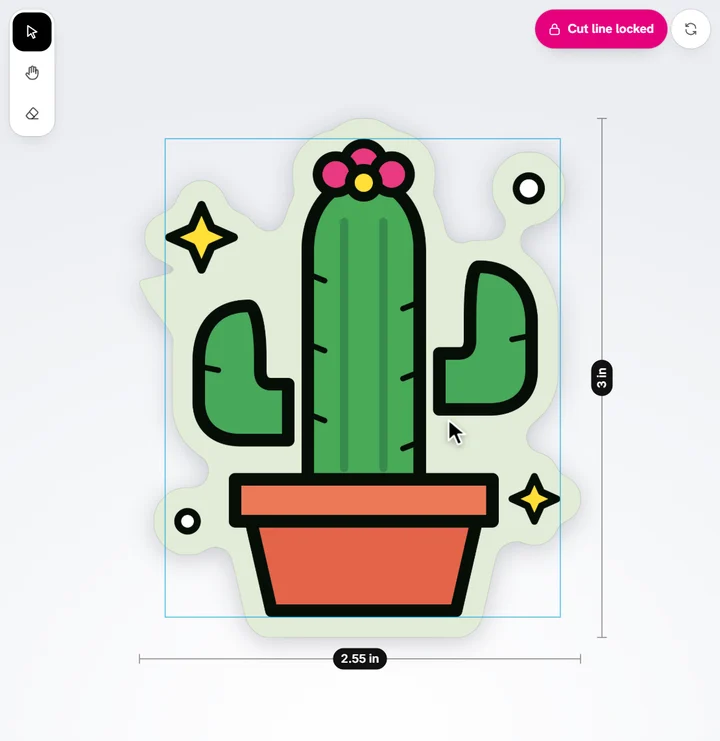
- Double-click (or double-tap) the cut line. Small white squares show on it.
- Drag a point to reshape the line.
- Click the line between two points to add one.
- Pick a point and tap the bin in the bar along the top (or press Delete) to remove it.
- Tap Done (or press Escape).
Editing points locks the cut line, so it stays as you made it.
Ready to try it?
Open the designer