
Save your sticker in My designs
Keep stickers to finish or order later.
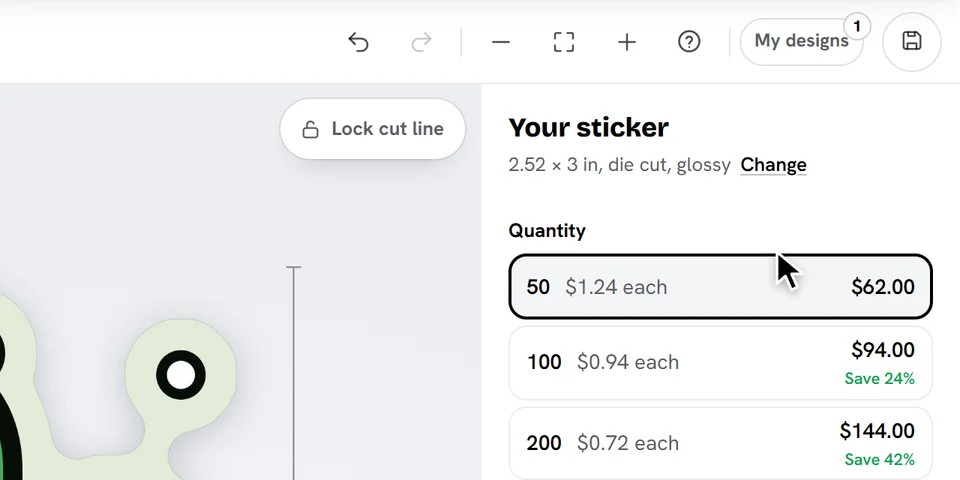
Tap Save at the right of the top bar (or press Ctrl+S, Cmd+S on a Mac). A small pink dot on it means you have changes that aren't saved yet.
Open My designs to see your saved stickers, newest first. Tap one to open it: saving again updates it.
Good to know
- My designs are kept on this device and in this browser. Nothing is sent to us until you add a sticker to your cart.
- My designs keeps up to 10 stickers, or 100 when you're signed in. Delete one to make room.
- Adding a sticker to your cart saves it too.
Ready to try it?
Open the designer