
Erase part of a picture
Wipe off a stray bit and the cut line follows.
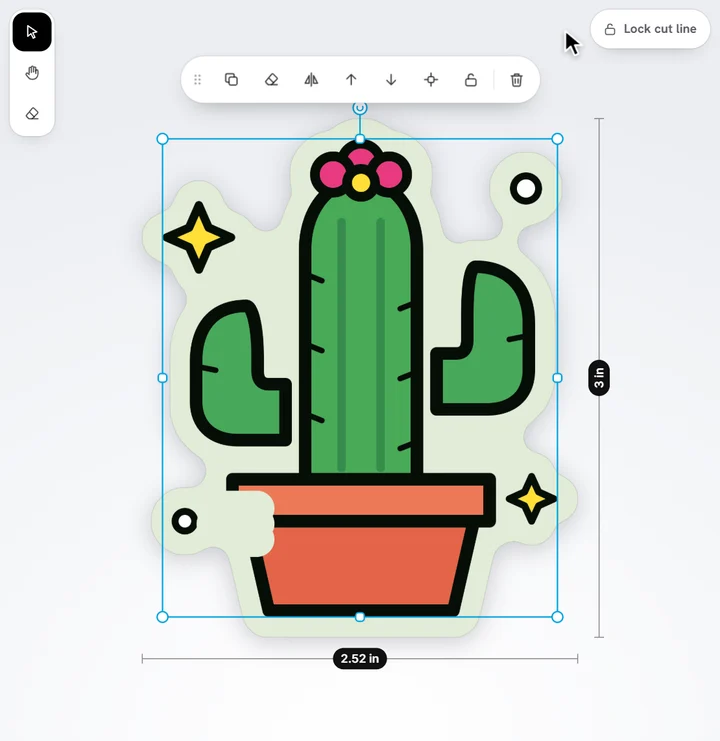
- Select the picture, then tap the eraser in the sticker's corner (or press E).
- Set its Size in the bar along the top.
- Drag over what you want to remove.
- Tap Done.
The cut line follows what's left. Each stroke is one step of Undo. The eraser puts itself away as soon as you do something else, so you're back to selecting and moving.
Ready to try it?
Open the designer