
Move, resize, turn and flip
Put everything exactly where you want it.
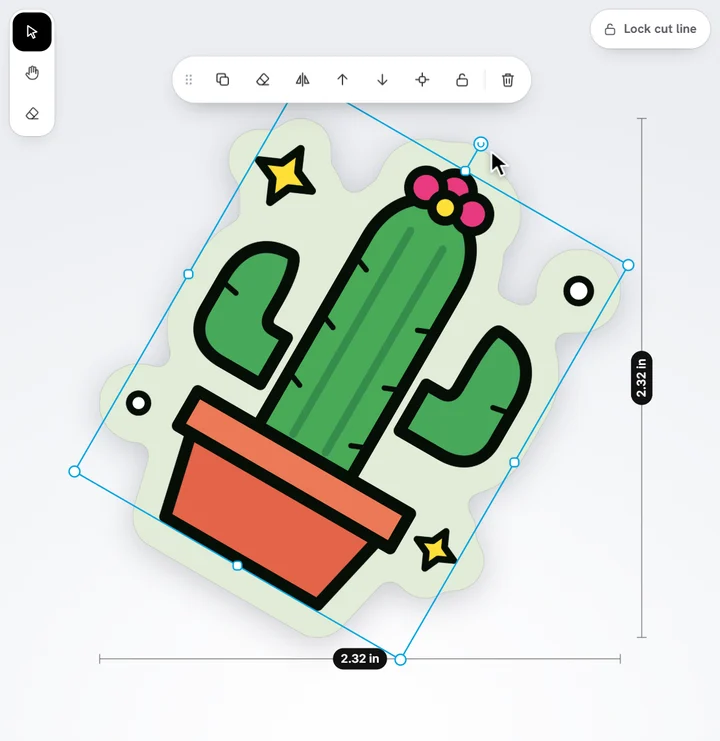
- Move: drag it. A guide shows when it's centred on the sticker, and it snaps there. Hold Alt to move it freely.
- Resize: drag a corner handle. It keeps its proportions.
- Turn: drag the round handle above it. It snaps to straight angles; hold Shift to turn in 15° steps.
- Flip: tap Flip in the toolbar above it.
With the keyboard, the arrow keys nudge what's selected a little, and Shift with an arrow a little more. On a computer, holding the right mouse button drags whatever is under the pointer, whatever tool you're using.
On a phone, pinch with two fingers to zoom in for fine moves.
Ready to try it?
Open the designer